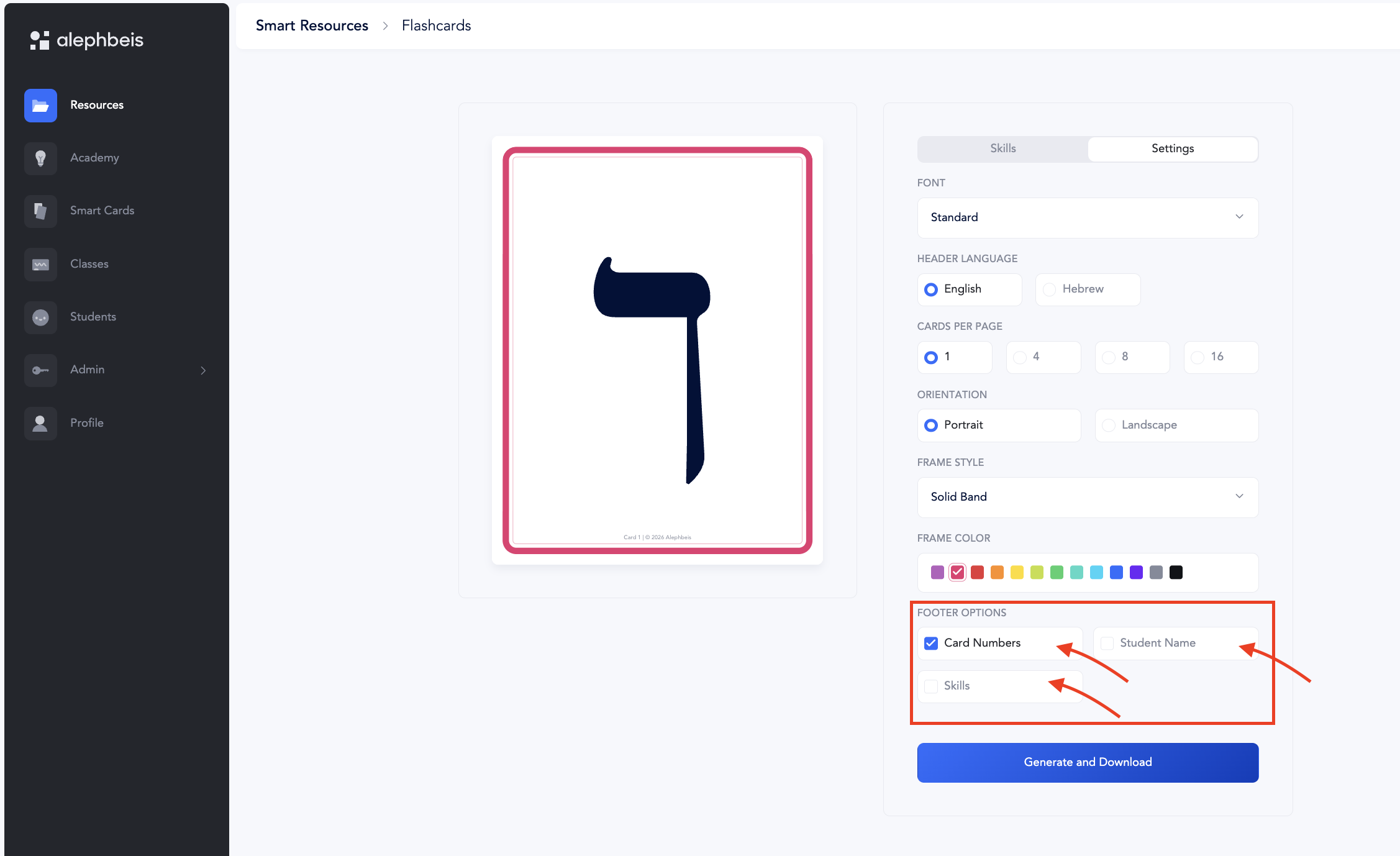
Flashcards are downloadable, printable cards that can be customized based on the skill you want to practice.
Create Flashcards
- Go to Resources.
- Select Smart Resources.
- Select Flashcards.
- Select the Skill Set.
- Select the Skill.
- Customize the flashcards using the available settings.
- Generate and download the flashcards.
Customize the Flashcards
You can customize how the printed flashcards look.
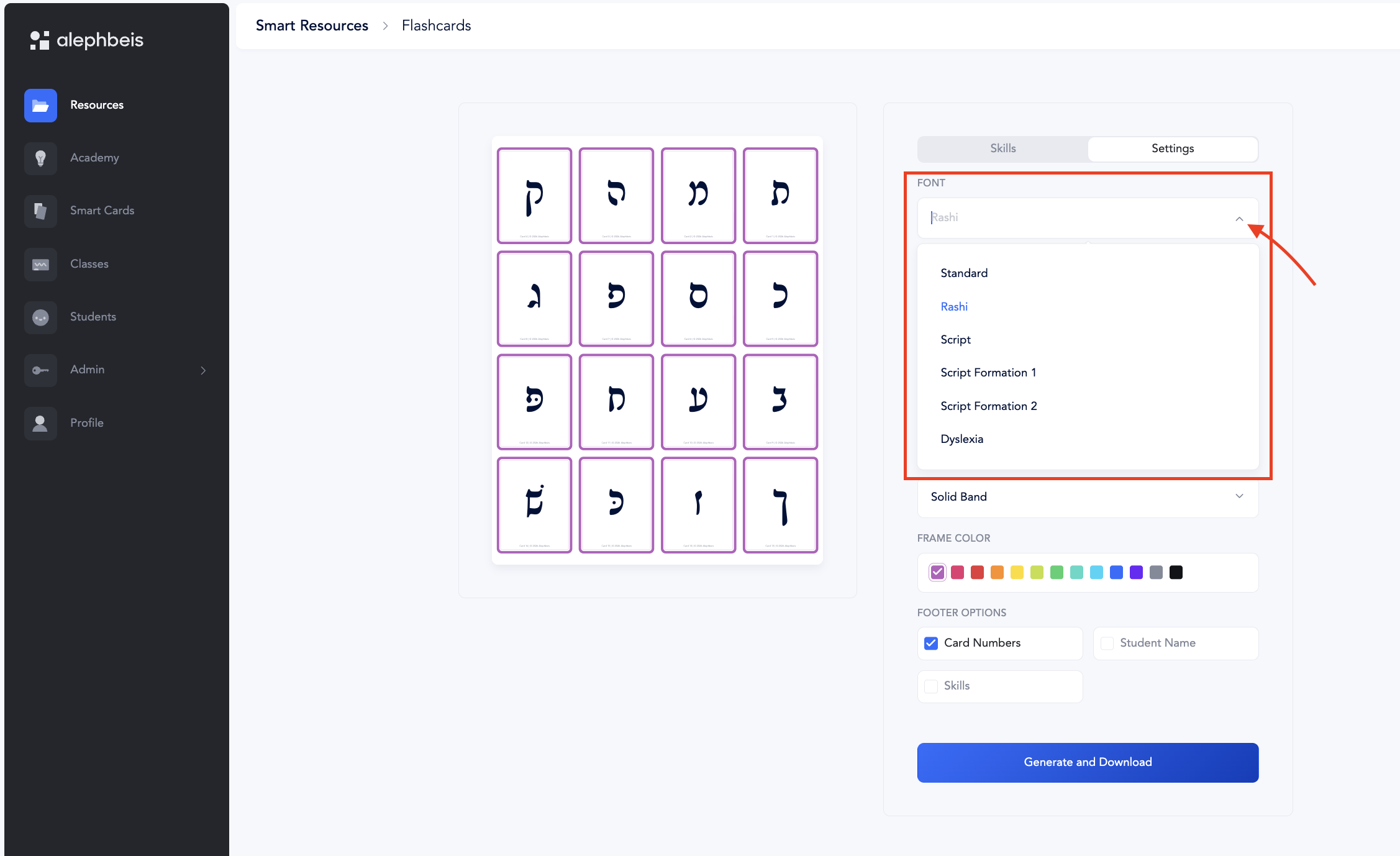
Font Type
Choose the font you would like to use.
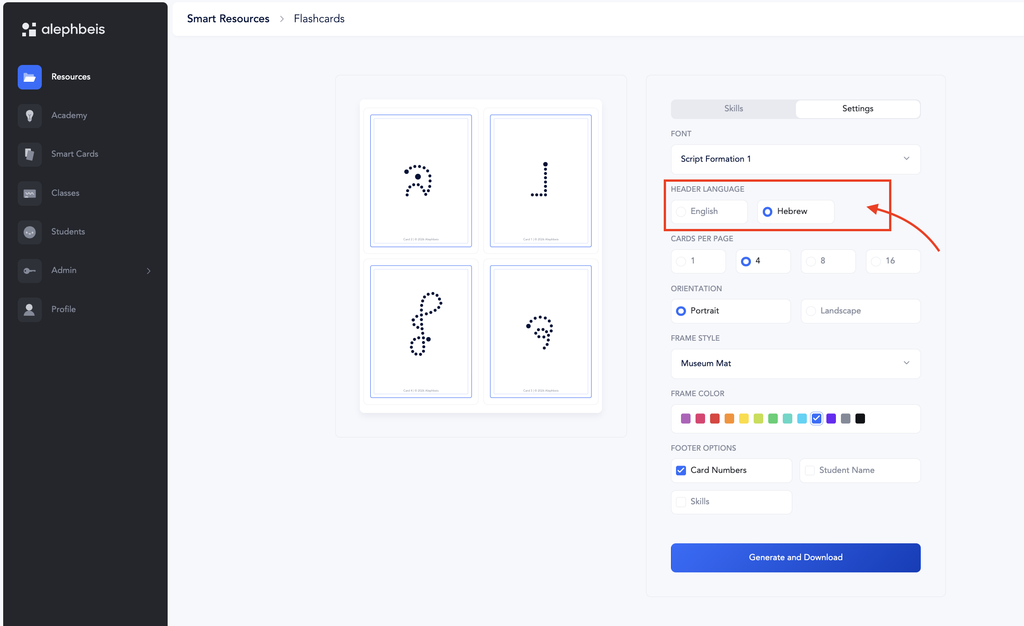
Header Language
Select the language for the header.
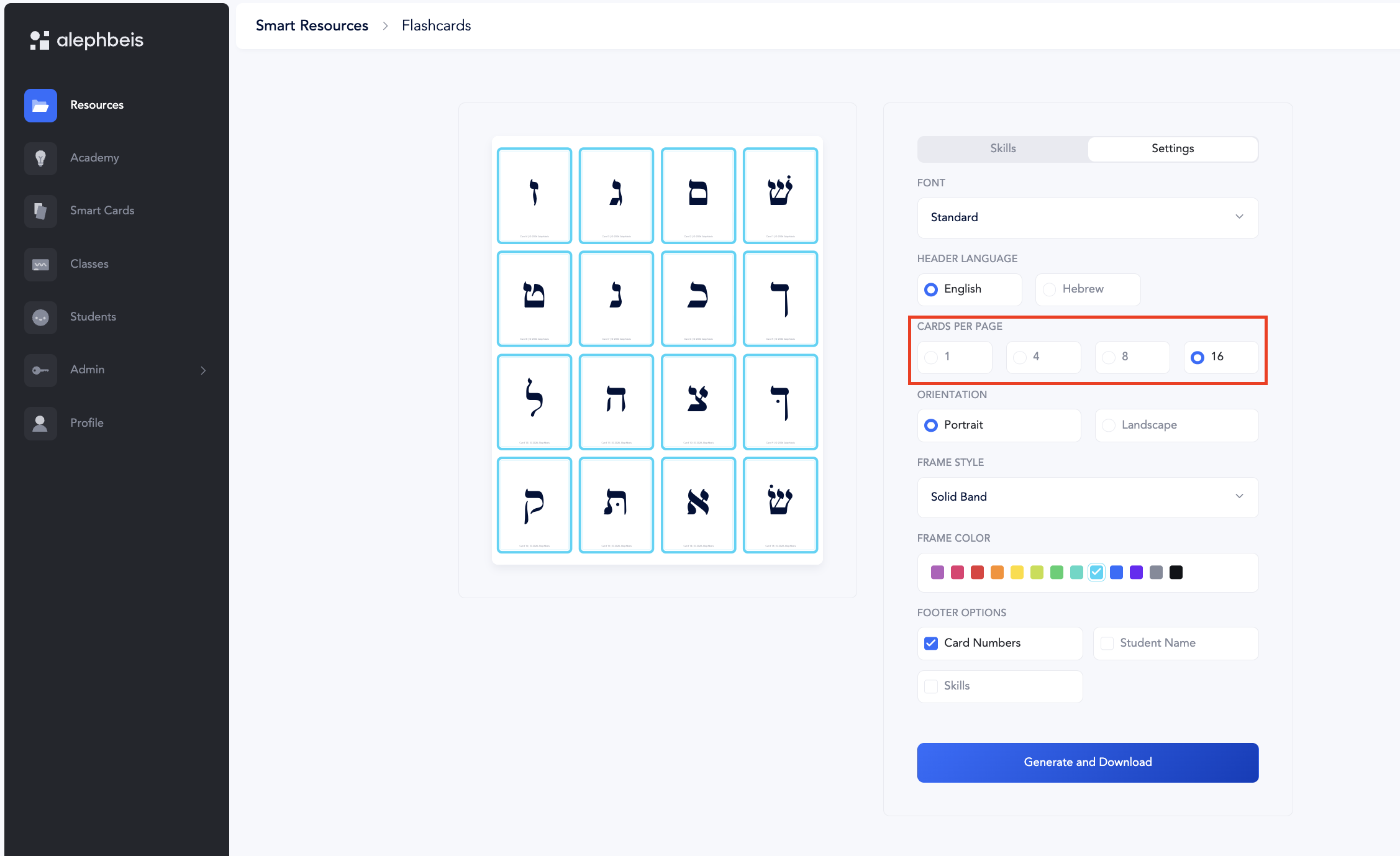
Cards per Page
Choose how many cards you would like to print on each page: 1, 4, 8, or 16
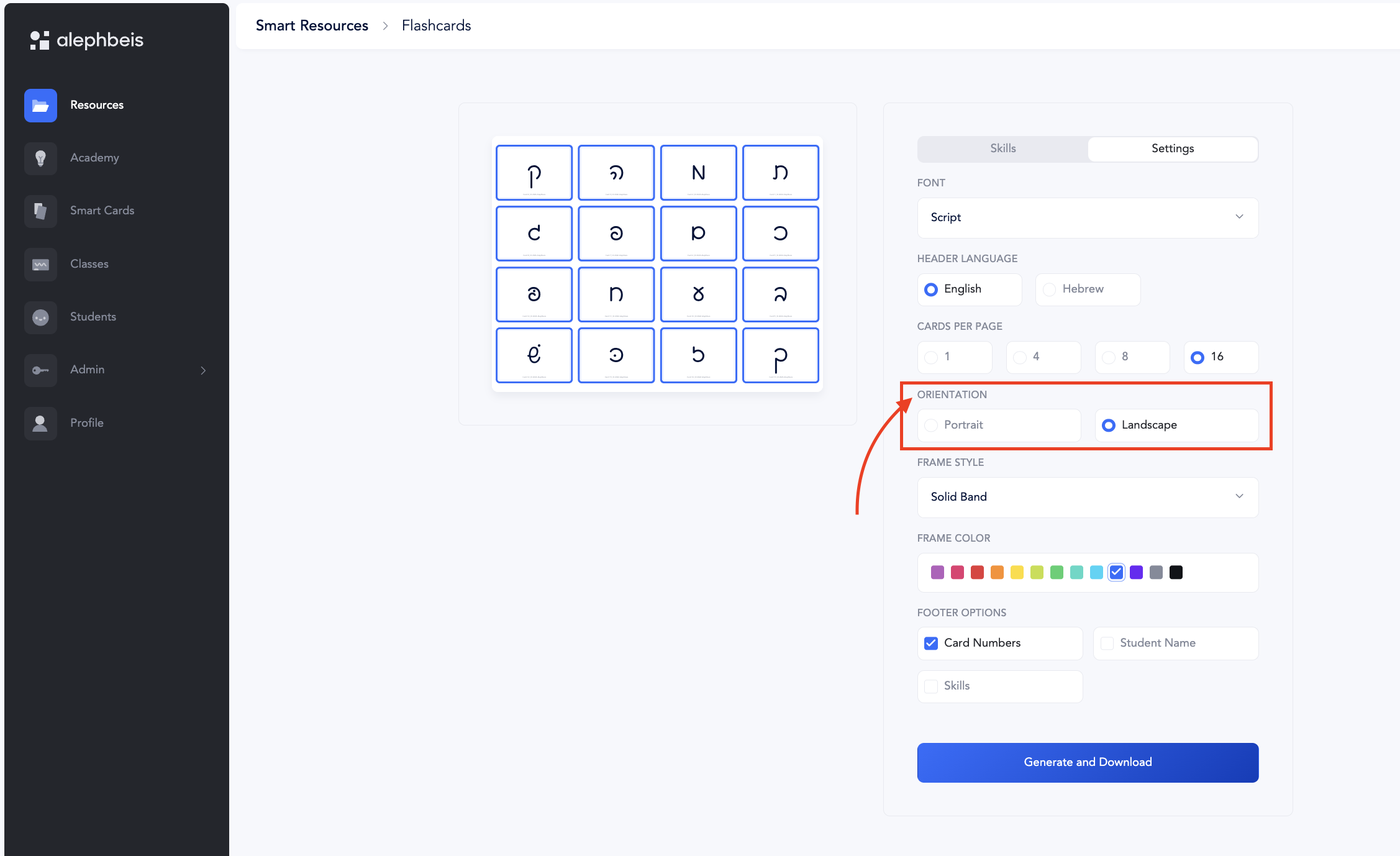
Page Orientation
Choose: Portrait or Landscape
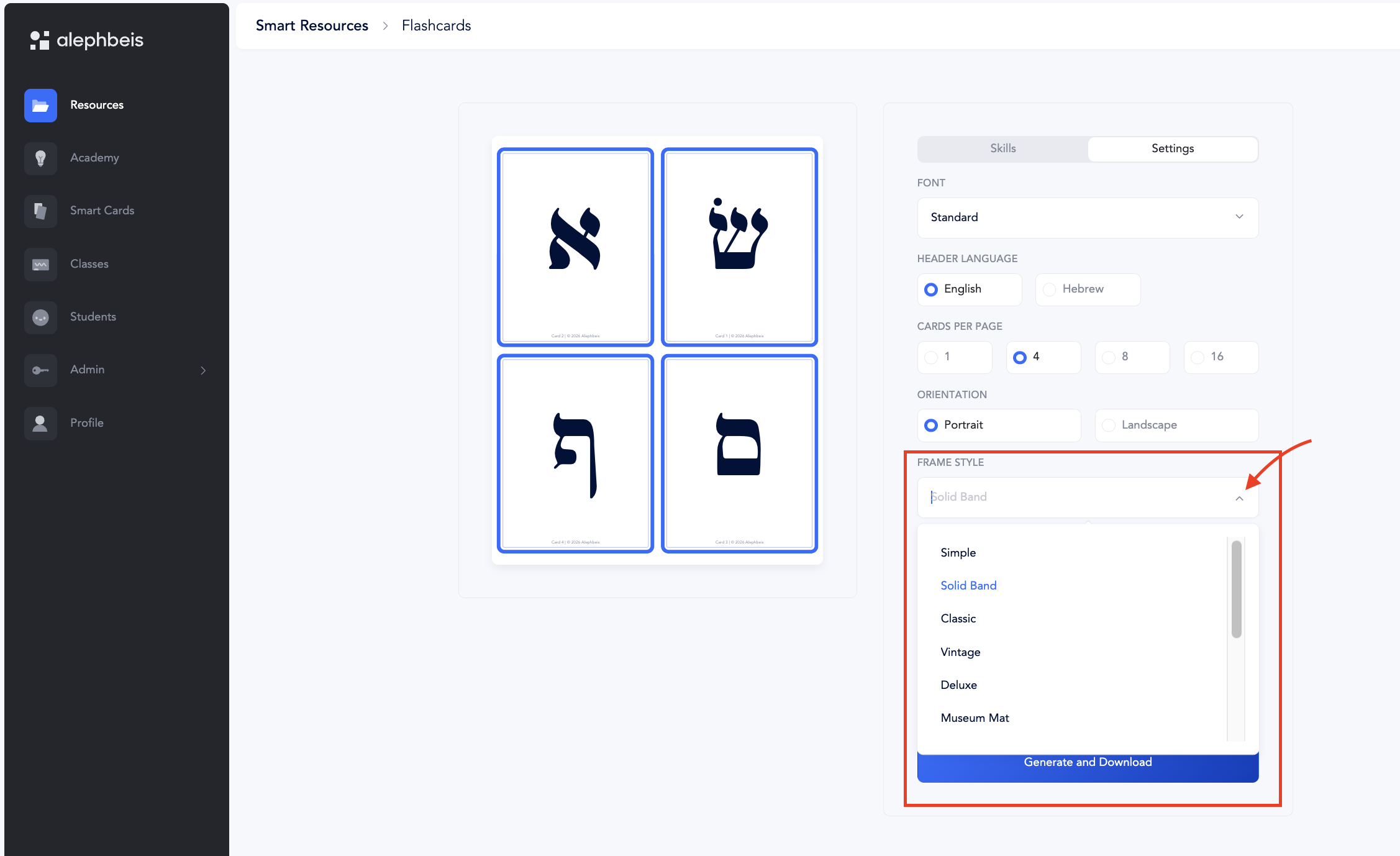
Border
Choose the border style.
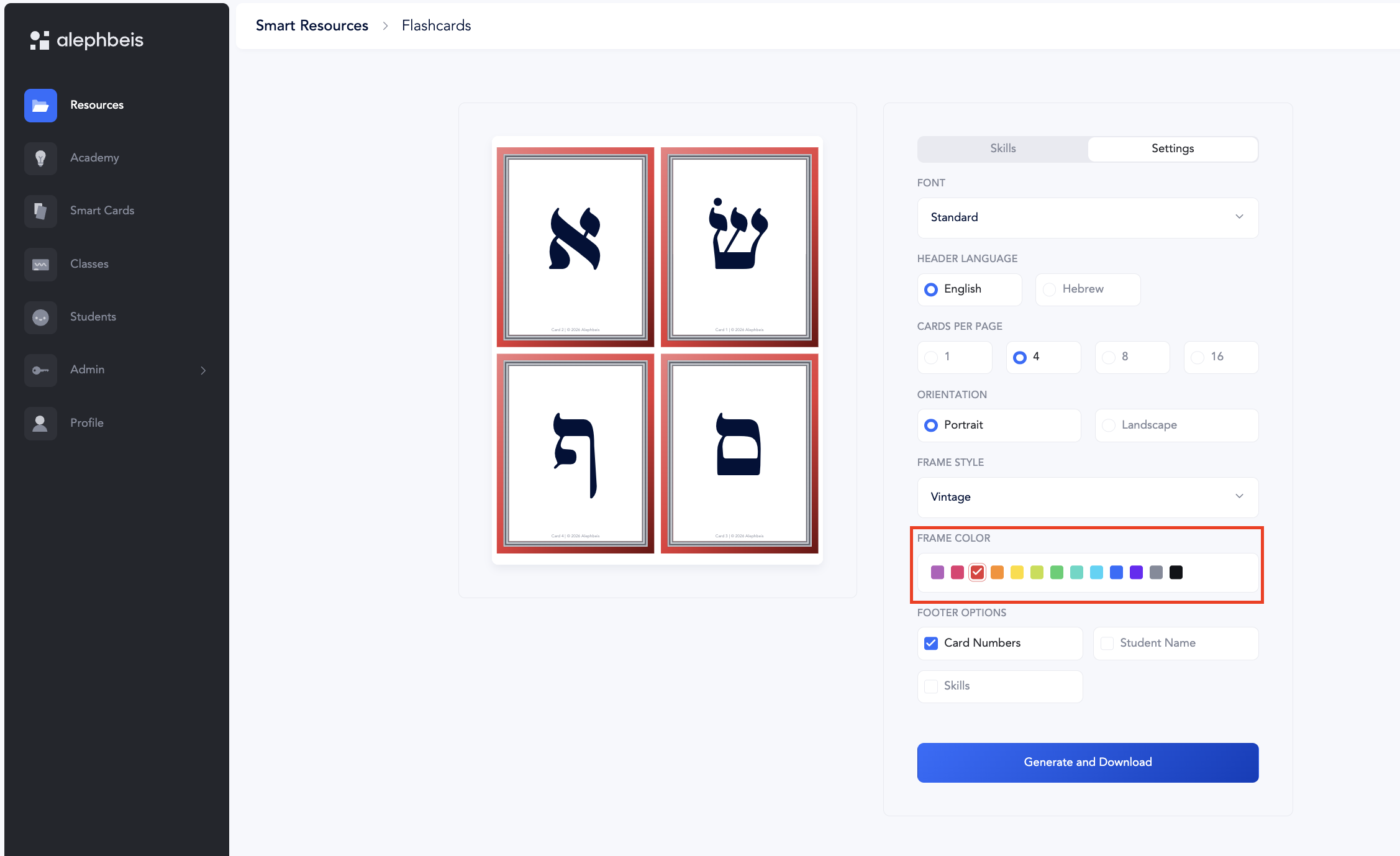
Choose the color of the border.
Card Information
Choose whether to include:
- Card Numbers
- Student Name
- Skills