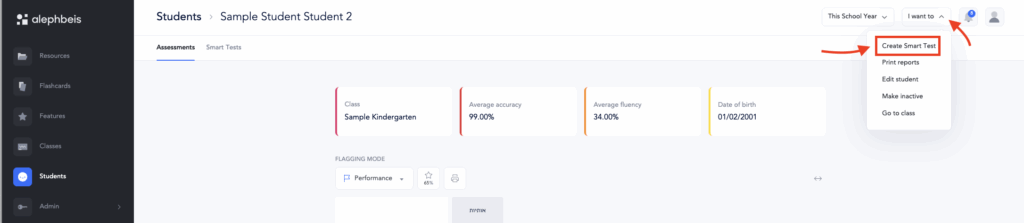
You can assign a Smart Test to a student ahead of time. This feature is especially useful if you’d like to prepare materials in advance for an upcoming session or assign a test as homework.
To assign a Smart Test in advance:
- Go to the Students page.
- Select the desired student.
- Click the “I want to” menu in the top-right corner.
(See screenshot below) - Choose Create Smart Test.
- Select the criteria you’d like the student to be tested on, then click Create Test.
Once created, the Smart Test will be ready for use at any time.
Refer to this article for instructions on how to access a Smart Test created in advance.