
Testing Mode
In Testing mode, users can:
- Mark flashcards as the student reads them.
- Time how long it takes to complete the set.
- Save the information in the student’s profile.
- Easily generate a new set of cards according to the student’s mistakes.
- Share the student’s progress seamlessly across home, school, or tutoring environments.
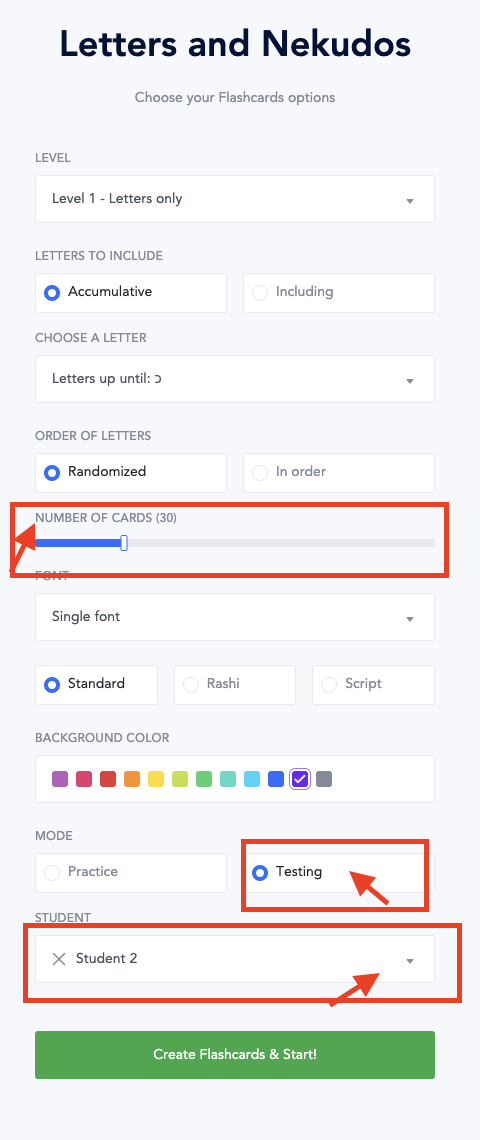
See this article on the information card that pops up after the test is complete.
Practice Mode
In Practice Mode teachers can easily review any errors students make on flashcards before they finish the entire set. This allows for focused review and clarification before moving on. There’s no timer, grades aren’t recorded, and results aren’t saved to student profiles.

We recommend utilizing Testing mode for flashcard practice. Unlike Practice mode, Testing mode enables users to assign flashcards, track completion time, regenerate sets based on errors, and easily share tests across school, home, and tutoring settings.