
Our system automatically sets the default school year calendar based on your hemisphere to align with standard academic schedules. This ensures that reports, progress tracking, and data rollover reflect the typical academic cycle in your region.
Default School Year Dates by Hemisphere
-
Northern Hemisphere
-
End of school year: December 31
-
Start of next school year: January 1
-
-
Southern Hemisphere
-
End of school year: June 30
-
Start of next school year: July 1
-
Manually Adjusting the School Year Calendar
If your school follows a custom academic calendar, you can modify the start and end dates or change the hemisphere setting by following these steps:
-
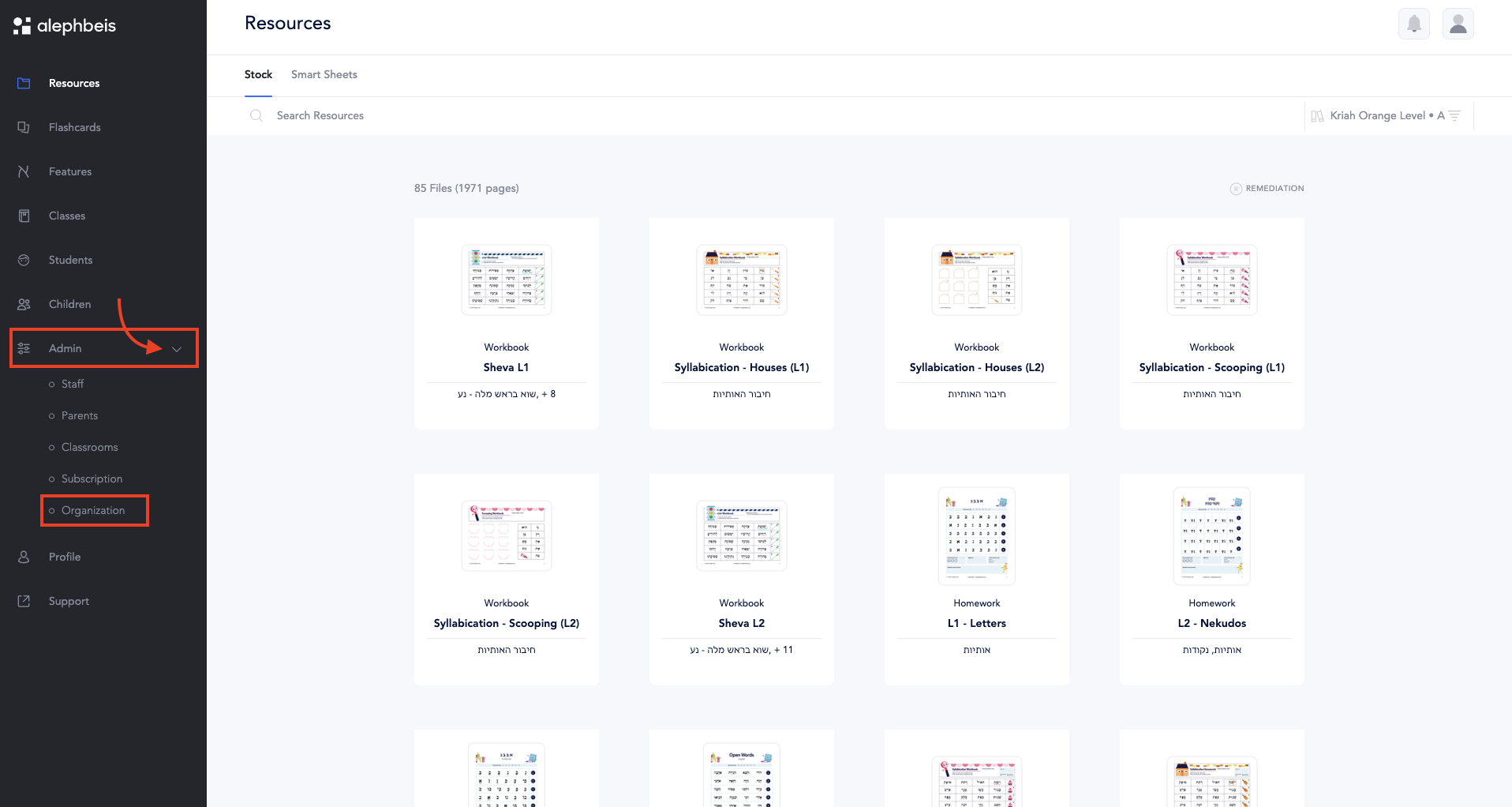
Log in to your account and go to the Admin section.
-
Select Organization from the menu.
-
Update the following as needed:
-
Change the hemisphere (Northern or Southern).
-
Adjust the end month of the school year.
-
Modify the end date of the school year.

-
-
Click Save Settings to apply your changes.

By customizing these settings, you can ensure the calendar aligns with your school’s unique schedule.
- To edit tests after the school year ends, refer to this article.
- To access tests from a different school year, refer to this article.