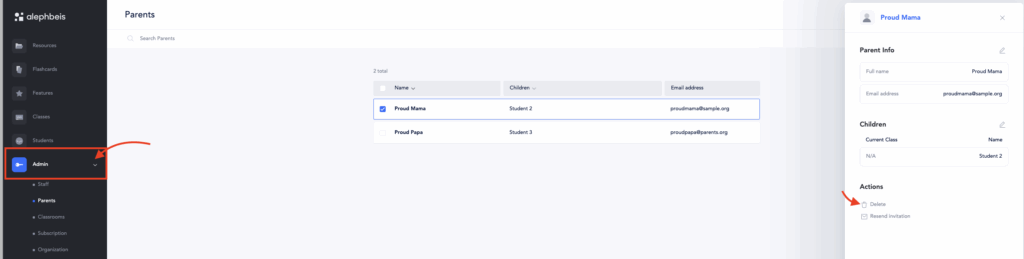
View and select parent
Go to Admin > Parents
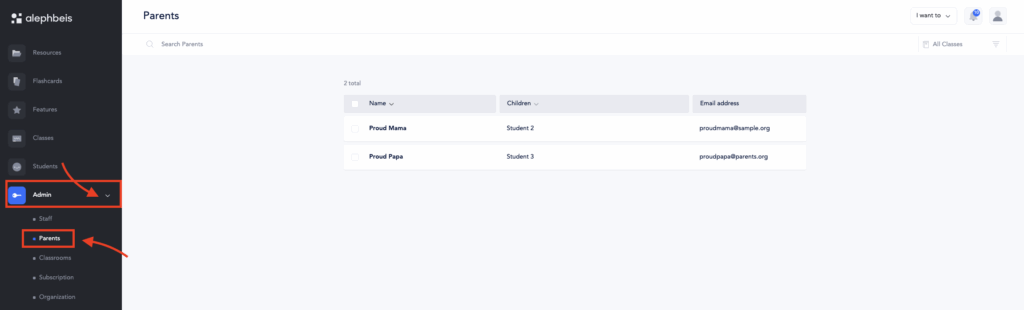
Select the parent you wish to edit, and their information will be displayed.
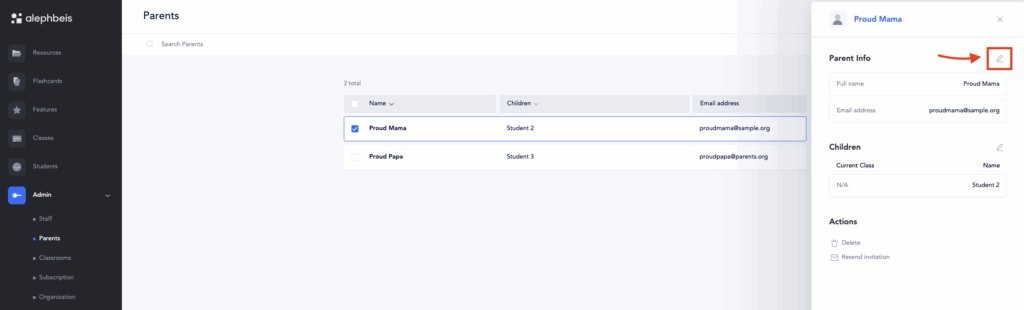
Updating Name or Email
To modify the name or email of a parent, simply click the edit button (pencil icon) at the top of the “User Info” section and input the updated information. Select “Update” to save changes.
Please note: Once a parent has accessed the Learning Portal, they will not receive a new welcome email, even if their email address is updated. They can log in using the new email. You may share this link with them to access the portal: https://app.alephbeis.org/login. If they have trouble remembering their password, you can provide this link to reset it: https://app.alephbeis.org/password/reset.
Updating Children Assigned to Parents
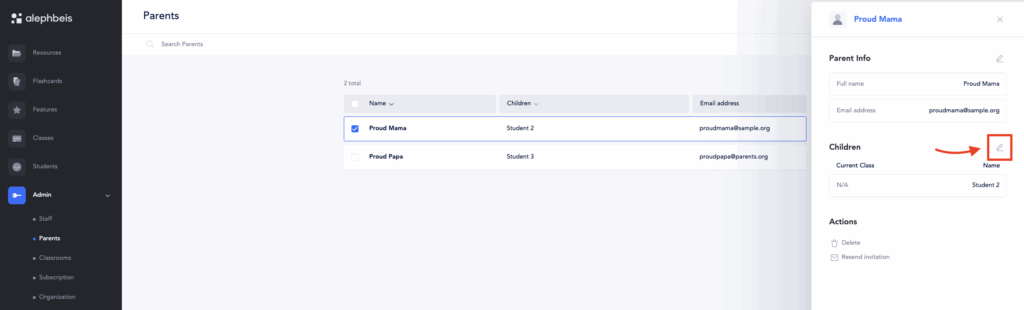
4. In the dropdown list of students, select or deselect the children you want to assign or remove.
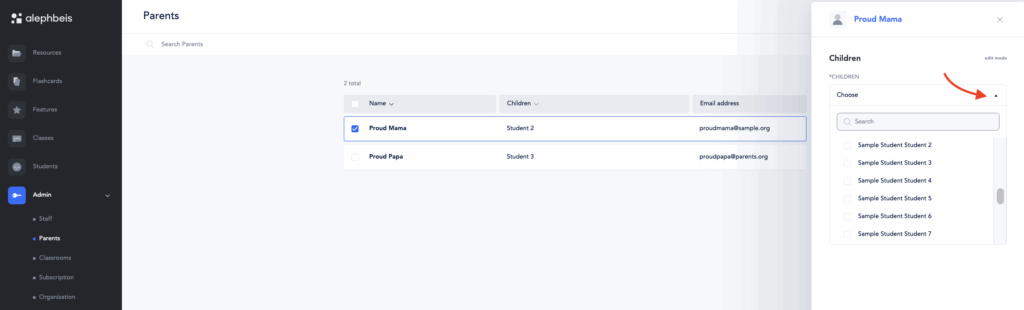
5. When you’re finished, click Update to save your changes.
Deleting parents
To remove a parent from the portal, click the “Delete” button and confirm the action when prompted.