
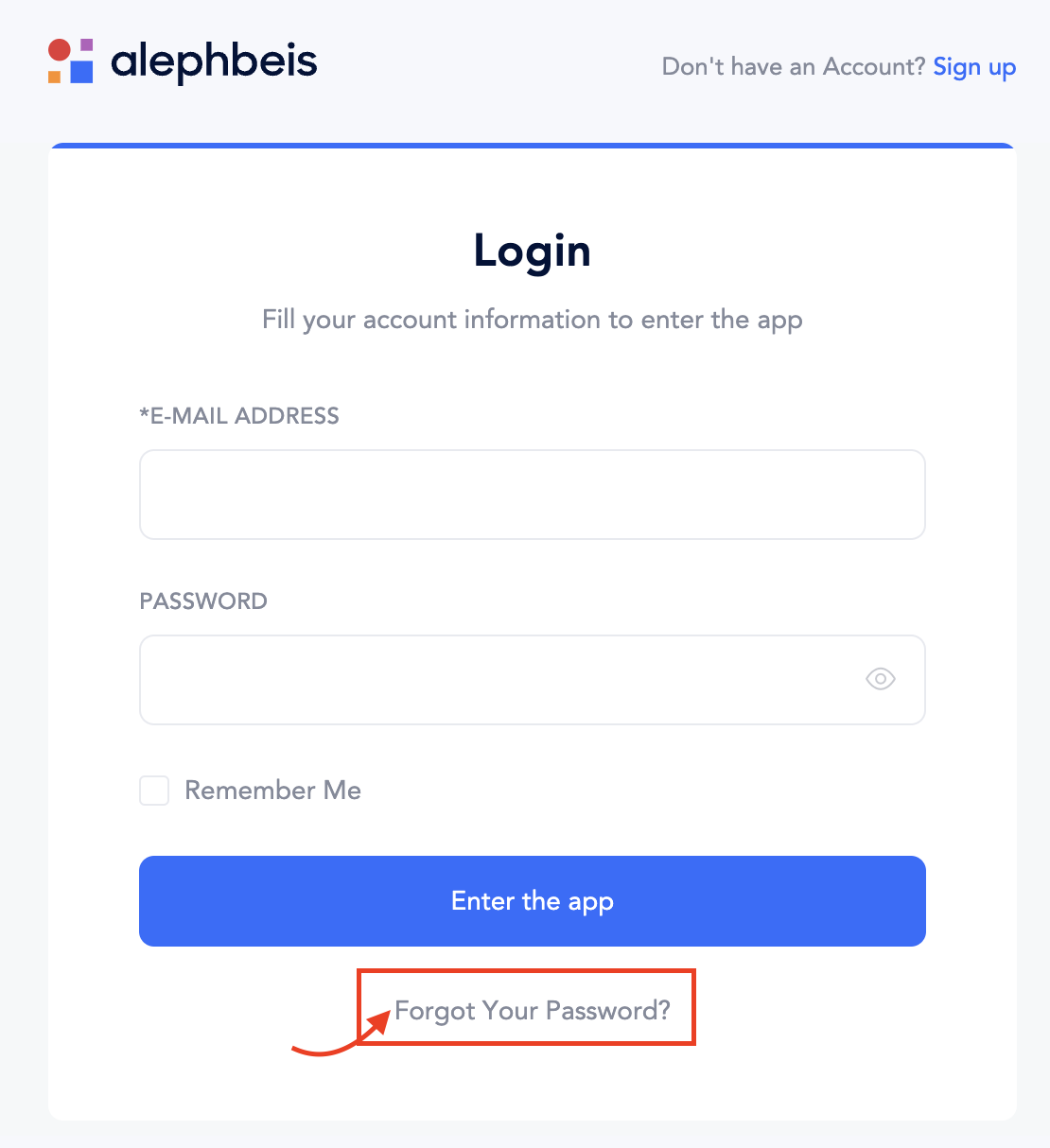
To log in, simply go to https://app.alephbeis.org/login and enter your email and your password.
If you’ve forgotten your password, click “Forgot your password” to receive a password reset link.
If you’re having trouble logging in, first verify that you’ve entered your email address correctly. If you use multiple email addresses (personal or work), try logging in with an alternative email. Once you’re logged in, you can update your email address in your profile settings.