
Students can be added on their own, but typically they are added as part of creating a class. When a single student needs to be added, they can be added on the edit class page or directly from the student page.
- For step-by-step directions on how to create a new class and add or update a group of students, typically referred to as a ‘Class,’ please refer to this article “Adding Classes“
- If you are looking to add an individual student, you can add the student from the class page
- Classes > Choose class > Edit Class
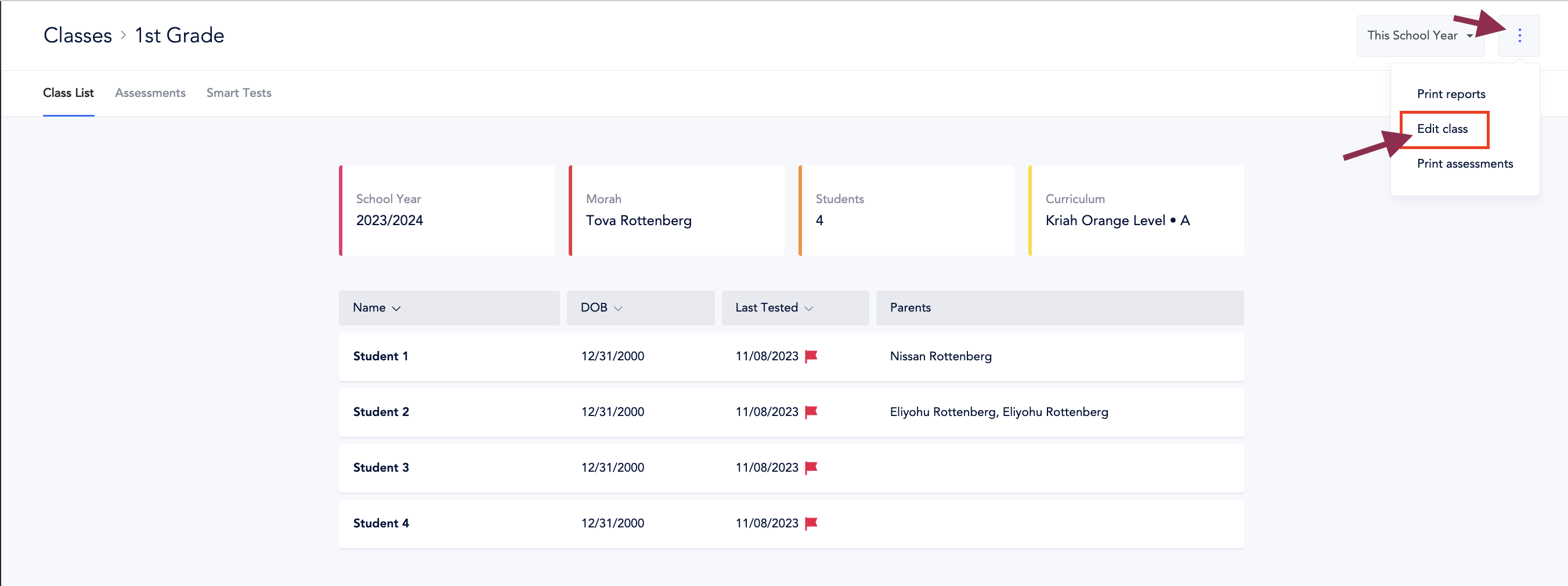
- Classes > Choose class > Edit Class